
Is Your Enterprise GTM Ready for AI Agents? The 7-Step Data Foundation Checklist

You’ve heard the hype. AI agents are going to revolutionize your GTM motion, automate lead scoring, orchestrate multi-channel campaigns, and basically turn your revenue engine into a well-oiled machine.
But here’s what nobody tells you: most AI agent deployments fail within 90 days, not because the AI is bad, but because the data foundation underneath is a disaster.
I’ve seen it happen dozens of times. Leadership gets excited, invests in the latest agentic AI platform, and three months later, the agents are hallucinating customer data, routing leads to the wrong reps, and triggering campaigns based on stale information. The problem? They skipped the unglamorous work of building a solid data foundation first.
If you’re reading this, you’re probably evaluating AI agents for your enterprise GTM stack. Smart move. But before you sign that contract, let’s talk about the 7 steps of work that will determine whether your AI agents become your competitive advantage or just another expensive tech failure.
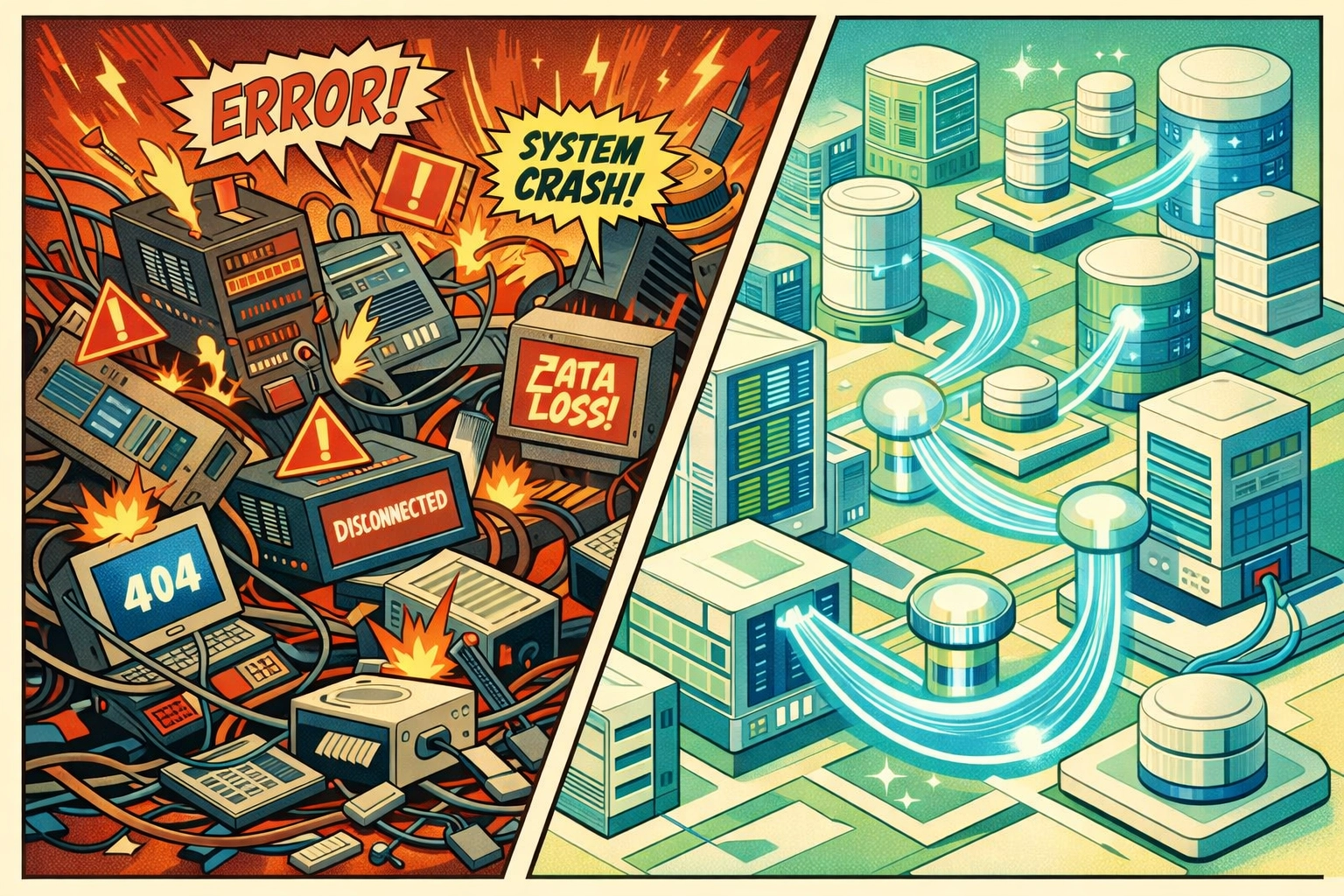
Why AI Agents Fail Without a Data Foundation
AI agents aren’t like traditional marketing automation tools. They don’t just execute predefined workflows, they make autonomous decisions based on the data they can access. And when that data is incomplete, inconsistent, or siloed across systems, those decisions become expensive mistakes.
Here’s what happens when you deploy AI agents on a shaky data foundation:
- Garbage In, Gospel Out: Your agents confidently make decisions based on duplicate records, outdated contact info, and misaligned account hierarchies. They don’t know the data is wrong, they just act on it.
- Silo Paralysis: Your marketing automation AI can’t see what’s happening in your CRM. Your sales intelligence agent doesn’t know what campaigns are running. They operate in parallel universes, creating conflicting actions and confused customers.
- The Trust Cliff: After a few high-profile mistakes (like sending a “win-back” campaign to your biggest customer), your team loses confidence. The agents get turned off, and your investment collects digital dust.
The uncomfortable truth? AI agents magnify whatever data problems you already have. If your data is 80% accurate, your AI agents won’t be 80% effective, they’ll amplify those errors across every touchpoint.
That’s why the data foundation comes first. Always.
The 7-Step Data Foundation Checklist
This isn’t about building a perfect data warehouse or implementing a six-month data governance program. This is a tactical, step-by-step framework to get your data ready for AI agents. Here’s exactly what needs to happen at each step.
Step 1: Audit Your Core GTM Data (Quality Baseline)
- Run a health check on your core GTM data: contacts, accounts, opportunities, and engagement history
- Identify your “data debt”: duplicate records, null values in critical fields, outdated contact information
- Establish baseline metrics (e.g., aim for less than 5% null rates on key fields like email, company, and ICP attributes)
Step 2: Map How Data Actually Moves (Reality, Not the Diagram)
- Document how data moves between your systems (CRM, marketing automation, product analytics, customer success platforms)
- Identify bottlenecks where data gets stuck or manually transferred via CSV exports (yes, we know you’re doing this)
- Map where AI agents will need to read from and write to: these are your critical integration points
The goal in Steps 1–2 isn’t to fix everything: it’s to see the full picture of what you’re working with. You can’t architect solutions for problems you haven’t documented.
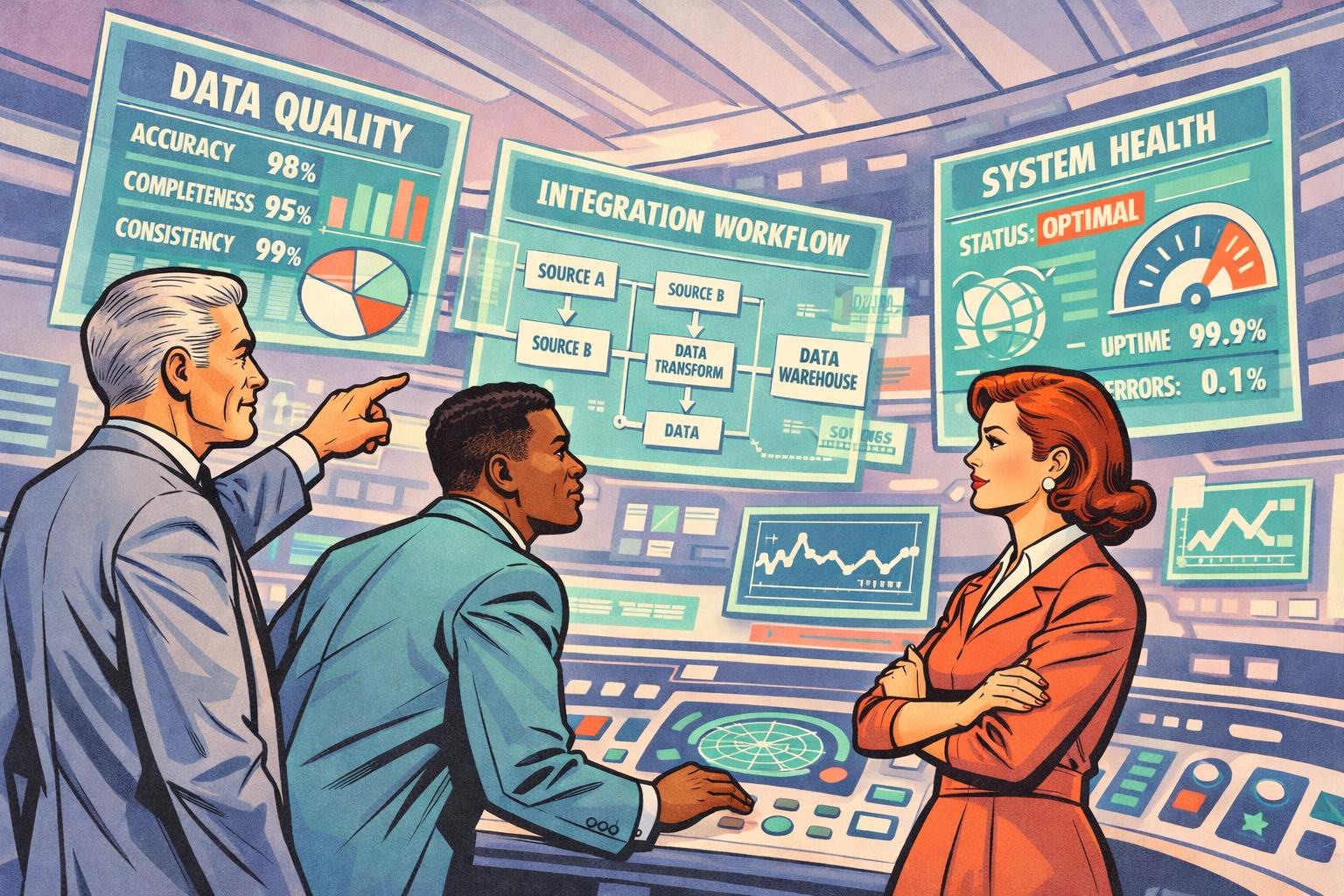
Step 3: Clean and De-duplicate (So Agents Stop Learning Bad Habits)
- Merge duplicate records using fuzzy matching algorithms (don’t do this manually: you’ll burn weeks)
- Standardize naming conventions across accounts, deal stages, and contact properties
- Validate and enrich critical fields: email validity, company firmographics, contact job titles
Step 4: Standardize Definitions (Single Source of Truth, Practically)
- Deploy a data catalog with searchable metadata so your team (and eventually your AI agents) can find what they need
- Document field definitions and usage guidelines: “Annual Recurring Revenue” means the same thing everywhere
- Set up audit logs to track who’s changing what data and when
This part is painful but non-negotiable. Think of it as clearing the construction site before building your foundation. Every hour you spend here saves you 10 hours of debugging AI agent mistakes later.
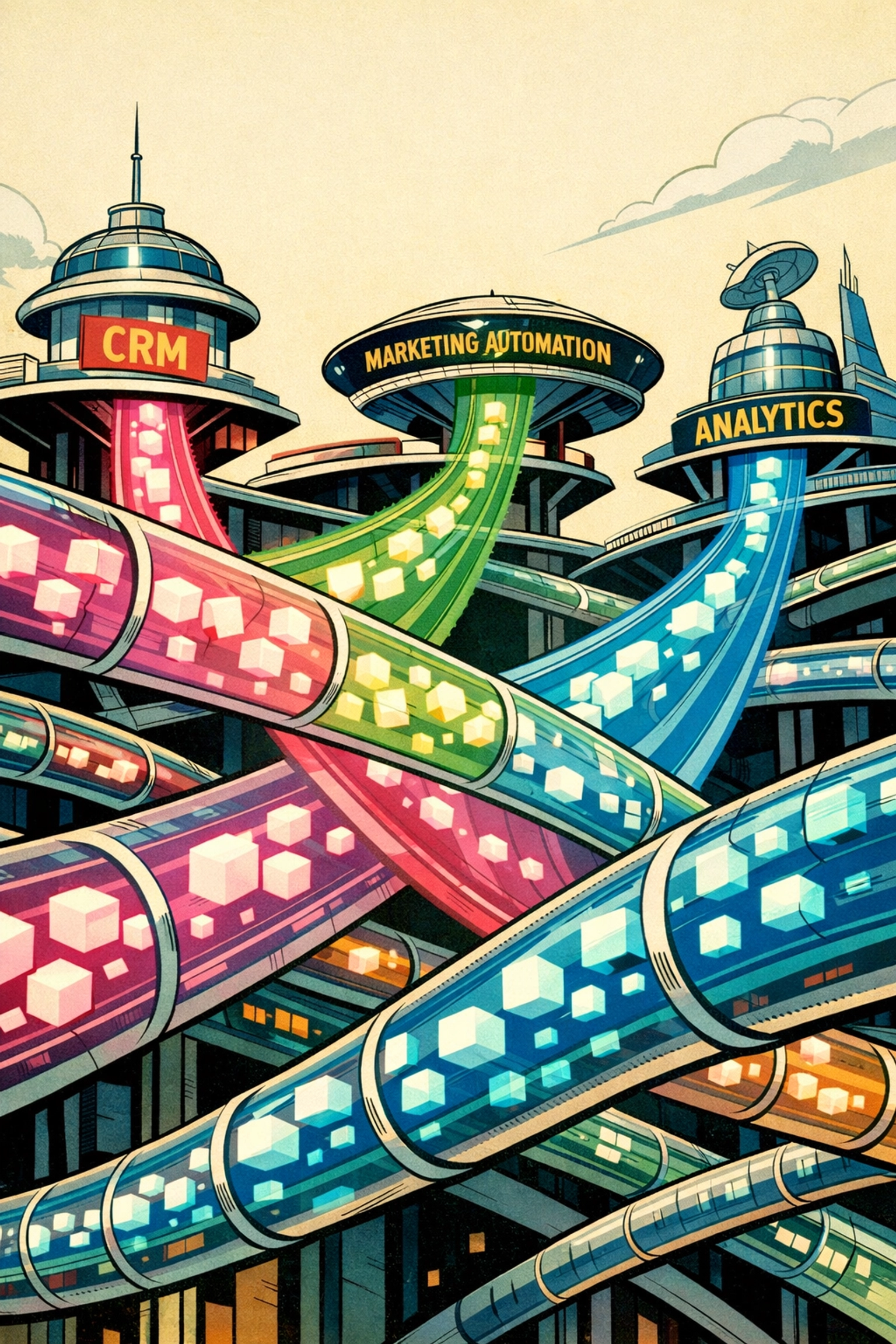
Step 5: Build Your Data Highways (Access + Real-Time Where It Matters)
- Set up API access between your core systems (HubSpot, Salesforce, Microsoft D365, your product database, analytics platforms)
- Implement webhook triggers for real-time data flow: AI agents need fresh data, not batch updates from last night
- Create self-service access so your marketing ops and RevOps teams can query data without IT tickets
Step 6: Prep Decision Signals (Feature Engineering, but for GTM)
- Identify the key signals your AI agents will use to make decisions: lead scores, engagement velocity, account health metrics
- Create calculated fields and aggregations that synthesize raw data into actionable insights
- Set up data quality monitoring with alerts for freshness, completeness, and anomaly detection
By the end of Steps 5–6, your data should be flowing freely, updating in real-time, and accessible to both humans and machines. This is where the magic starts to happen.
Step 7: Governance + Testing + Success Metrics (So You Can Trust the Output)
- Establish data access controls: not every AI agent needs access to every field
- Create data retention policies and compliance checks (especially for GDPR, CCPA)
- Document your data versioning approach so you can roll back if needed
- Simulate AI agent scenarios using your cleaned, integrated data and test edge cases
- Validate that data flows end-to-end within your target latency (for most GTM use cases, aim for sub-5-minute updates)
- Define how you’ll measure AI agent performance: conversion rates, time-to-action, prediction accuracy
- Set up dashboards to monitor both data health and agent effectiveness
- Create runbooks for your RevOps team to troubleshoot when things go sideways
At the end of these steps, you should have a production-ready data foundation that can support AI agents without collapsing under the weight of bad data.
The RevOps Role in Architecting This Foundation
Here’s the part most companies get wrong: they treat this as an IT project. It’s not. This is a Revenue Operations project with technical components.
Your RevOps team needs to own this initiative because they’re the only ones who understand:
- How GTM data flows across the customer journey
- What decisions need to be made at each stage (and what data powers those decisions)
- Where the current process breaks down and automation would create the biggest impact
- How to balance data governance with sales and marketing velocity
IT can help build the pipes, but RevOps needs to design the system. They’re the architects. AI-driven revenue operations isn’t just about implementing tools: it’s about reimagining how data powers decisions across your entire GTM motion.
Why Your CRM Choice Matters (HubSpot vs. Salesforce vs. Microsoft D365)
Let’s address the elephant in the room: not all CRMs are created equal when it comes to AI agent readiness—and these are the key platforms where your AI agents will be pulling data from and acting within.
Salesforce offers unparalleled customization and depth, but that flexibility often creates data chaos. Custom objects, overly complex data models, and years of technical debt make Salesforce implementations prime candidates for data foundation work before AI deployment.
HubSpot is cleaner out of the box with more standardized data structures, but you’ll hit limitations with complex multi-touch attribution and custom AI workflows. The simplicity that makes it easy to adopt also constrains what your AI agents can access and manipulate.
Microsoft Dynamics 365 (D365) is powerful in enterprise environments—especially when it’s connected to the broader Microsoft ecosystem—but it can become equally messy if entity definitions, security roles, and downstream integrations aren’t tightly governed. If your AI agents are writing back into D365 (creating tasks, updating fields, triggering handoffs), you need clean schemas and predictable permissions, or you’ll end up with automation that “works” but can’t be trusted.
None is inherently better: but you need to understand your CRM’s data architecture intimately before layering AI agents on top. Those foundation steps look different depending on whether you’re wrangling Salesforce complexity, working within HubSpot’s guardrails, or operating inside D365’s enterprise constraints.
The FusedLabs Promise: Steps to Results, 7 Steps to Transformation
Here’s what makes this approach different from the six-month data transformation projects that die in committees.
At FusedLabs, we’ve distilled enterprise data foundation work into a clear sequence of steps that delivers immediate results. Once you’ve completed the checklist above, you have clean data, integrated systems, and the foundation ready for AI agent deployment. Then you can move fast: within 60 days, your first AI agents can be running in production, making real decisions. By 90 days, you’ve transformed how your GTM teams work: less time on manual tasks, more time on strategy.
This isn’t theoretical. It’s the same framework we’ve used with dozens of enterprise B2B SaaS companies to prepare for marketing ops automation, AI in marketing ops, and full-scale marketing analytics AI deployments.
The difference between companies that succeed with AI agents and those that fail comes down to one thing: whether they did the foundation work first.
Your Move
AI agents aren’t coming to enterprise GTM: they’re already here. The question isn’t whether to adopt them. It’s whether you’re going to set them up for success or watch them fail because your data wasn’t ready.
If you’ve made it this far, you already know the answer. The step-by-step foundation checklist above is your roadmap. You can tackle it in-house if you have the bandwidth and expertise. Or you can work with a team that’s done this dozens of times and knows exactly where companies get stuck.
Either way, start now. Your competitors already are.
Ready to build an AI-ready data foundation that actually works? Let’s talk about how to get you through the steps quickly (and without breaking your GTM engine mid-flight). Explore our AI-driven revenue operations approach and let’s turn your GTM stack into the competitive advantage it should be.

